My Rewards
My McDonald’s Rewards
Download the app and join MyMcDonald’s Rewards to earn bonus points on your McDonald’s orders—then, start getting fave after fave for free.* Gain enough points and you’ll have options like a free McChicken®, free Fries or even a free Big Mac®. Go to the Rewards & Deals tab. There you can select the menu item you want to redeem. Choose ‘Use at Restaurant’ to get the Drive Thru code, or select ‘Use Restaurant Code’ when you’re inside to reveal the code to use at the counter or kiosk.
Go to the Rewards & Deals tab. There you can select the menu item you want to redeem. Choose ‘Use at Restaurant’ to get the Drive Thru code, or select ‘Use Restaurant Code’ when you’re inside to reveal the code to use at the counter or kiosk.
Easy Ordering
How Do I Start Earning?
You're just one step away from winning at McDonald's! Download the McDonald's app, become a member, and start earning now!
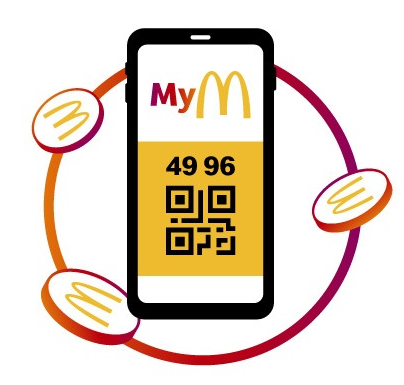
Earn Points Easily
To earn points, simply click on the Deals tab in the McDonald's app and scan the resulting QR code while ordering at the cash register, on digital order screens, or at the drive-thru!
Spend Your Points As You Wish
By clicking the Deals tab in the McDonald's app, you can see your points, rewards, and special offers. Click on your chosen reward, scan the resulting QR code at the checkout or on the digital ordering screen, and enjoy your reward!